
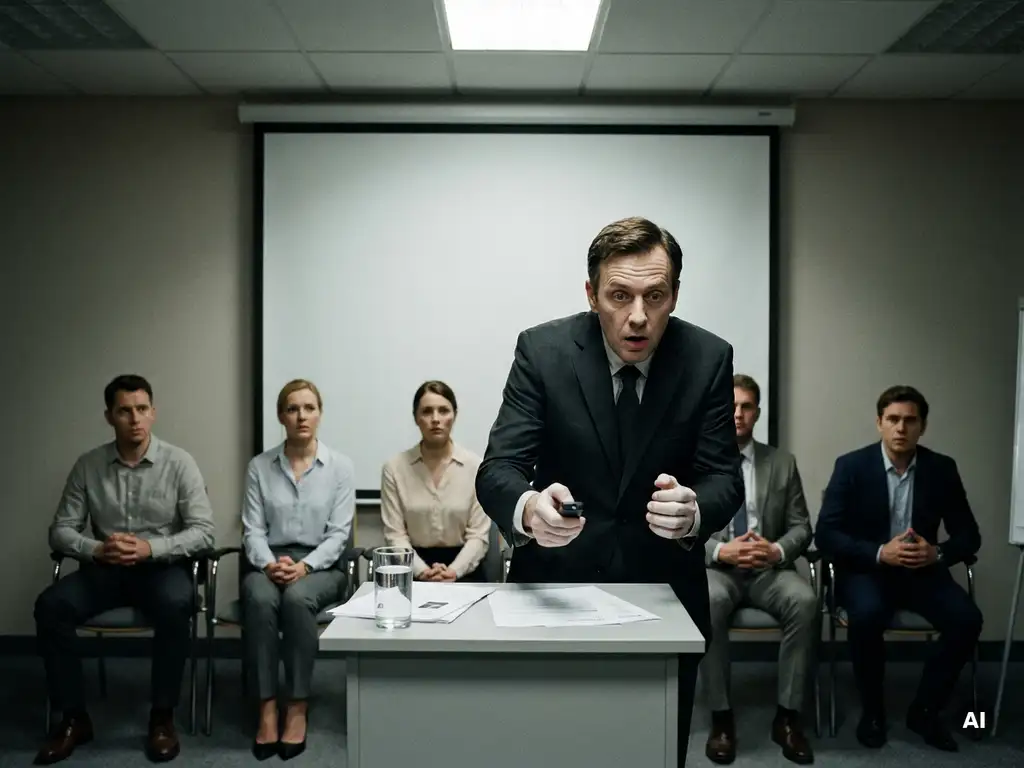
Teams freeze during presentations because the brain reads the moment as a threat, which triggers a stress response that disrupts memory, speech, and coordination. The result looks like “blanking,” but it is usually a predictable mix of anxiety, unclear messaging, and low psychological safety in the room.
This can happen to high performers, especially in high-stakes meetings, cross-functional updates, or change communication where people fear judgment or getting it wrong. The good news is that teams can reduce team presentation anxiety with preparation systems and simple in-the-moment recovery tools.
The questions below break down what freezing means, why it happens, how to prevent it, what to do live, and how to build lasting public speaking confidence.
What does it mean when a team freezes during presentations?
A team “freezing” during presentations means one or more speakers suddenly lose access to their planned words, timing, or confidence, causing long pauses, rushed delivery, or a complete stop. It is a common form of team presentation anxiety where stress blocks recall and makes people overly self-conscious, even when they know the material.
Freezing shows up in a few recognizable patterns:
- Cognitive freeze: blank mind, forgetting the next point, losing the thread
- Verbal freeze: filler words spike, sentences trail off, voice tightens
- Behavioral freeze: stiff posture, no gestures, avoiding eye contact, minimal interaction
- Team freeze: awkward handoffs, nobody jumps in, silence after a question
It matters because the audience often interprets freezing as lack of preparation or lack of alignment, even when the real issue is stress plus unclear structure.
Why does my team freeze during presentations?
Teams freeze during presentations when pressure exceeds the team’s current presentation habits, so people switch from clear thinking to self-protection. The most common causes are unclear roles, overloaded slides, weak story structure, and fear of judgment, all of which reduce public speaking confidence and make it harder to recover when something goes off script.
In practice, freezing usually comes from a combination of these drivers:
- Too much information: dense decks and data dumps increase cognitive load and make it easy to lose the thread
- Unclear “true message”: if the core point is fuzzy, speakers cannot improvise when they forget a line
- Risky handoffs: transitions like “and now my colleague will cover the rest” create pressure and timing gaps
- Low psychological safety at work: people fear looking incompetent, especially in front of senior leaders or other departments
- Change communication tension: transformation updates create uncertainty, and uncertainty amplifies anxiety
If your team freezes repeatedly, treat it as a system issue, not a personality flaw. Better structure and safer team dynamics reduce freezing fast.
How can we prevent freezing before the presentation?
You prevent freezing by reducing uncertainty and cognitive load before anyone steps on stage. The most effective approach is to clarify the single message, build a simple story spine, rehearse transitions, and agree on rescue moves. This improves presentation skills for teams because everyone knows what matters and how to support each other.
- Define the one-sentence takeaway: if the audience remembers only one thing, what is it
- Use a clear structure: problem, insight, decision, next steps works for most business updates
- Cut slide dependence: slides should support the speaker, not replace the speaker’s thinking
- Script only the openings and transitions: memorize the first 20 seconds and every handoff, then speak in bullet points
- Rehearse with “planned disruption”: practice what you will do if a slide fails, a question interrupts, or someone blanks
- Assign roles: who drives the narrative, who handles data, who answers which question types
A simple rule that prevents panic is this: every speaker should be able to explain the whole talk at a high level, even if they own only one section. That shared map is what stops team freeze.
What can we do in the moment when someone freezes?
To stop freezing in presentations in the moment, shift from “performing” to “resetting.” The fastest recovery tools are a short pause, a breath, and a simple line that buys time while keeping credibility. Teams should also use pre-agreed support cues so a colleague can step in smoothly without making the frozen speaker feel exposed.
- Use a neutral reset line: “Let me summarize the key point,” or “Here is the headline”
- Return to the last clear sentence: repeat it, then continue with the next bullet
- Ask a clarifying question: “To make sure I answer the right thing, are you asking about timeline or impact?”
- Name the structure: “There are two parts to this,” then list them
- Tag in a teammate: “Can you take the next piece on metrics while I pull up the next slide?”
What not to do: apologize repeatedly, joke at your own expense, or rush. A calm pause reads as confidence, while speed reads as panic.
How do we build long-term confidence and psychological safety?
Long-term public speaking confidence comes from repeatable practice plus psychological safety at work, where people can try, miss, and improve without punishment. Teams build this by normalizing feedback, practicing small speaking reps, and rewarding clarity over perfection. When the environment feels safe, the brain stops treating presentations like danger.
Use these habits to make confidence durable:
- Run low-stakes reps: two-minute updates in team meetings with one clear takeaway
- Give specific feedback: comment on structure, pacing, and clarity, not personality
- Practice “yes and” collaboration: build on each other’s points instead of correcting midstream
- Create a shared language: agree on what “good” looks like for openings, handoffs, and Q and A
- Debrief without blame: what worked, what confused the audience, what to change next time
Psychological safety is not about lowering standards. It is about making learning visible and expected, so people can speak up, ask questions, and recover quickly when something goes wrong.
How does Boom For Business help with teams freezing during presentations?
We help teams reduce team presentation anxiety by combining practical presentation coaching with improv-based tools that make speakers more adaptable under pressure. We focus on message clarity, story structure, and real-time recovery skills so teams can present with calm authority, even during transformation or high-stakes internal communication.
- Workshops that build repeatable skills through hands-on practice and feedback via our workshops
- Culture habits that support psychological safety using our Positive Culture program
- Team experiences that strengthen trust and make support feel natural through team-building activities
- Clear next steps to match your goals, timing, and audience via Boom For Business
If your team keeps freezing in presentations, contact us to map the real cause, choose the right format, and build a plan that turns nervous speakers into a confident, supportive presenting team.
Frequently Asked Questions
How long should a team presentation rehearsal take, and what should we practice first?
Aim for 2–3 short rehearsals (20–40 minutes each) rather than one long run-through. Start with the opening, the one-sentence takeaway, and every handoff. Then do a timed “top-line run” (no slides) where each speaker delivers their section in bullet points. Finish with a 5-minute Q&A drill using likely stakeholder questions.
What’s the best way to handle Q&A so one tough question doesn’t derail the whole team?
Agree on a Q&A system in advance: (1) one person facilitates and repeats the question, (2) the “owner” answers first, (3) anyone else adds only one supporting point, and (4) if you don’t know, use a clean follow-up: “We don’t have that number in front of us—can we confirm and send it by EOD tomorrow?” Keep a visible parking-lot list for off-scope items.
How do we present complex data without overwhelming the speakers or the audience?
Use a “headline-first” approach: one chart per idea, with a plain-language title that states the insight (not the topic). Put the key number on the slide, and move supporting detail to an appendix. In the talk track, use a three-step pattern: what we’re seeing, why it matters, what we’re doing next. If the audience needs depth, point them to the appendix during Q&A.
What should we do if the technology fails (slides won’t load, audio drops, screen share breaks)?
Create a no-tech fallback plan: every speaker should be able to deliver their section with a single sentence takeaway plus 2–3 bullets. Keep a PDF backup and a link to the deck in the calendar invite. If failure happens, say what’s happening once (“We’re switching to our backup deck”), then continue speaking while a teammate fixes it. Don’t narrate the troubleshooting.
How can a manager increase psychological safety before a high-stakes presentation without lowering standards?
Set expectations that support learning and clarity: define what “good” looks like (takeaway, structure, timing), run a rehearsal where mistakes are expected, and give feedback on behaviors (pacing, transitions, clarity) rather than traits. In the meeting, model calm recovery—pause, summarize, and move on. Afterward, debrief with “what worked / what confused / what we’ll change” and assign owners for improvements.
What are quick warm-ups a team can do 10 minutes before presenting to reduce nerves?
Do a 10-minute pre-brief: (1) each speaker states the one-sentence takeaway, (2) run the first 20 seconds of each section, (3) practice two handoffs, and (4) do one round of slow breathing (inhale 4, exhale 6) while standing. End with a simple support cue agreement (e.g., “If someone pauses, we wait two beats, then the facilitator offers a summary prompt”).